
QR ordering for Australian cafes
Takezi brings QR ordering to Australian cafe counters. Customers scan a QR code, choose and pay on their phone, then step aside while staff prepare the order. A pickup queue and an order-ready notification connect the ordering and collection steps.
Updated
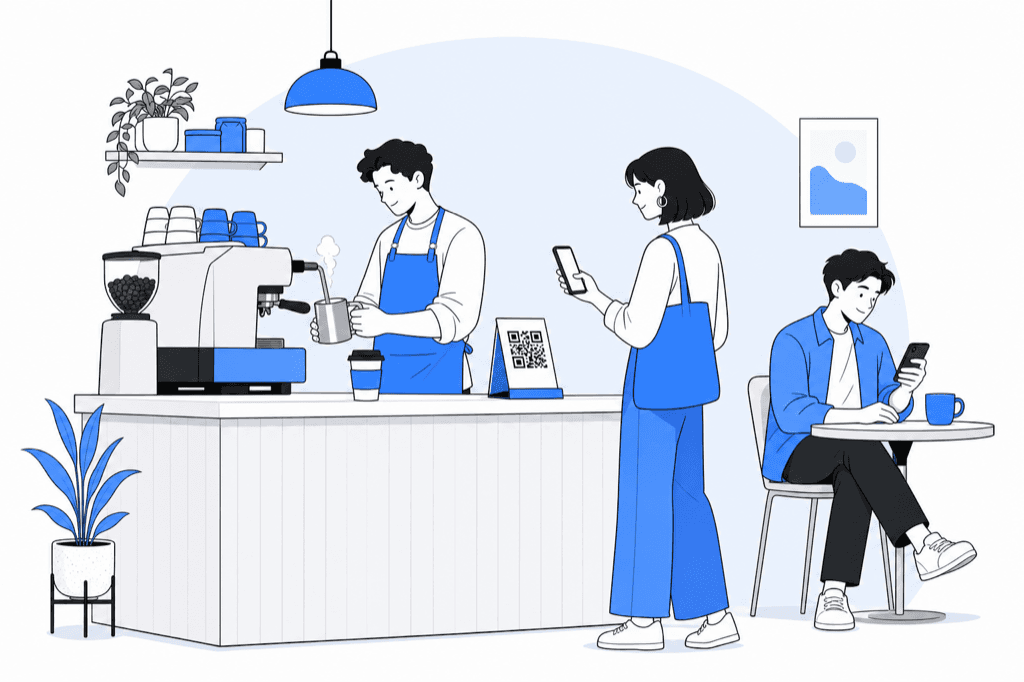
A second way to order during the coffee rush
Place the ordering QR where customers can read it before reaching the till, such as the window or a clearly marked counter spot. The menu opens in their browser without a dedicated Takezi app. Customers who prefer to speak to staff can still order at the counter. QR ordering changes how an order is placed; it does not remove the time needed to make the coffee.
The staff pickup queue
The staff workflow uses a web pickup queue on a phone or tablet with an internet connection. A paid order appears in the queue; staff prepare it and mark it ready for collection. Decide who will watch that queue when one person is on the till and another is making drinks. Confirm supported devices and any POS or printer requirements with us before onboarding.
The coffee order, step by step
- The guest scans the QR at the counter and picks the coffee on their phone.
- They pay — Apple Pay, Google Pay or card through your Stripe or Square — and step aside.
- The ticket lands on the pickup queue behind the machine.
- Cup up, you tap ready. One ping goes out. They collect and go.
One ready ping
When the complete order is ready, staff tap ready. Takezi updates the guest tracking page and uses WhatsApp where available, with SMS as backup. This lets customers wait nearby instead of crowding the collection area. Exact fallback timing and failed-message handling will be confirmed before onboarding. Staff should still have a way to handle an order that has not been collected.
Cafe pricing
Takezi is focused on takeaway counter ordering and collection. The monthly subscriptions have no food commission: A$99 (600 SMS / 1,000 WhatsApp) or A$249 (2,200 SMS / 6,000 WhatsApp) plus GST. Available for Australian shops. Tell us about your shop to get started or arrange the optional 7-day trial.
Coffee menu questions to check
Bring your actual menu to the onboarding conversation. A cafe order can involve more than a drink name, so check the combinations your team needs:
- Cup sizes, milk choices, extra shots and the price of each option.
- How dietary requests and customer notes appear to staff.
- What happens when an item or milk option is sold out.
- How a multi-drink order is identified and marked ready together.
Discuss these requirements with us so we can help you choose the right setup for your cafe.
An illustrative morning order
A customer orders two takeaway coffees using the window QR. Staff see the paid order, make both drinks and mark the complete order ready. The customer returns to the collection point. This example describes the workflow; it is not a customer result or a promise of shorter preparation times.
See full pricing and cost examples.
Common questions
Do customers need an app to order?+
No. They scan the QR with the camera they already have, pick the coffee, and pay with Apple Pay, Google Pay or a card through the cafe's own Stripe or Square. No download, no account.
What does Takezi cost for a cafe?+
Pricing is A$99 a month with 600 SMS and 1,000 WhatsApp included, or A$249 with 2,200 SMS and 6,000 WhatsApp. Page orders are unlimited and there is no commission on the coffee. Prices exclude GST. Extra SMS after the cap is about 5 cents. Takezi is available for Australian cafes, with an optional 7-day trial.
Is this table service?+
No. Takezi is skip-the-queue takeaway for the counter, not dine-in table QR. Guests order, step aside, and get one ready ping when the cup is up — tracking page first, WhatsApp if they have it, SMS as backup.
Also read
The same counter job in a bakery is on the bakeries page. How the scan works is QR ordering for takeaway. How the ready ping works is pickup notifications.